


Contact Us – Reach Out Through Our Contact Form

| Contact Form Overview | Details |
| Main Method | Website contact form |
| Best For | Feedback, corrections, content questions |
| Time Needed | Usually just a few minutes |
| Message Style | Clear, short, and relevant |
| Support Scope | Informational content only |
Get in Touch in a Few Steps
The contact process is meant to stay simple. You do not need to go through a long chain of actions or search for separate contact options. In most cases, the path is direct: open the form, enter your message, and send it.
A basic contact flow looks like this:
- open the contact form
- enter your message
- submit the request
This keeps communication practical and easy to use, especially for readers in Bangladesh who may want to send feedback quickly from mobile or desktop.
| Step | What to Do |
| 1 | Open the contact page |
| 2 | Write your message |
| 3 | Add any useful detail or page context |
| 4 | Submit the form |
When You Should Use the Contact Form
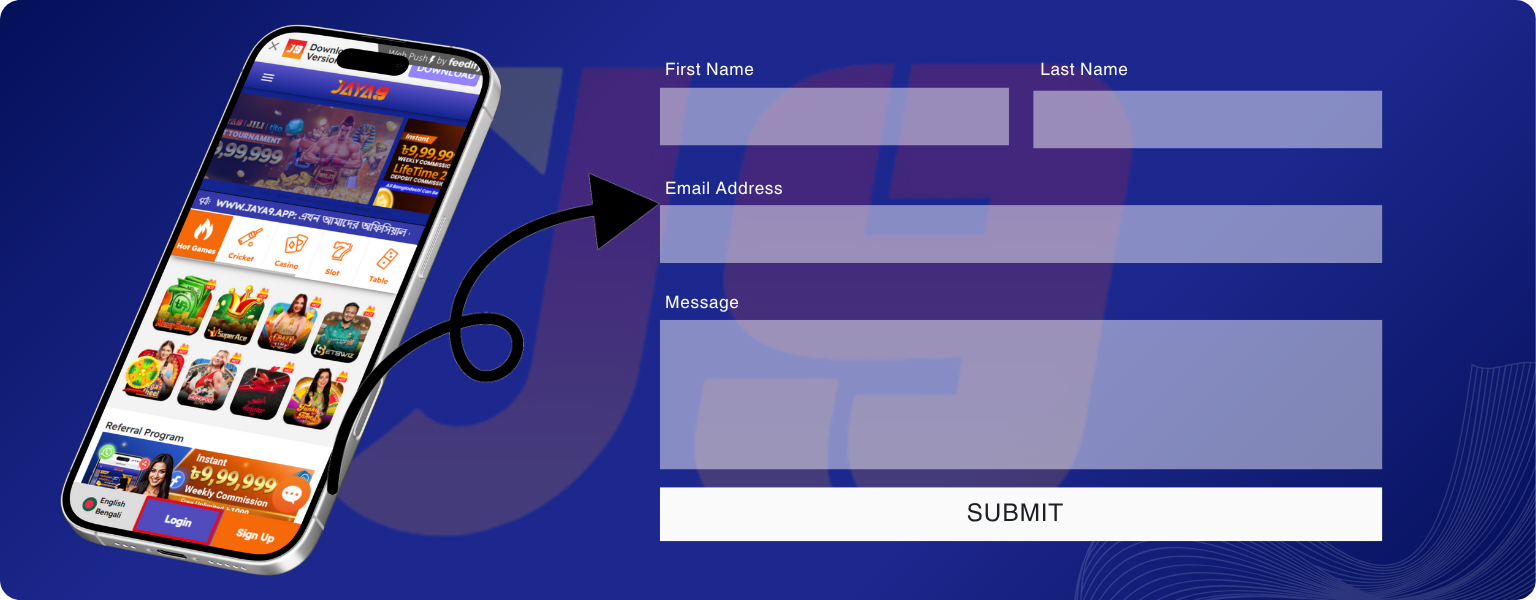
The form is best used for website-related communication. It is meant for messages that help clarify, improve, or review the content published here.
- questions about the content on the website
- clarification of information on a specific page
- suggestions for improving guides or structure
- reports about unclear or outdated details
- general feedback about the website
These are the kinds of requests the form is designed to handle.
Writing a Message That Gets Noticed
Messages are easier to review when they are clear and direct. A short request with one clear topic is usually more useful than a long message covering several unrelated issues.
Be Clear and Direct
The best approach is simple: one question or one issue per message. This makes it easier to understand what the request is about and how it should be reviewed.
Add Context When Needed
If your message relates to a specific page, guide, or section, include that context. Mentioning the page title, the topic, or the part that needs attention can make the review process faster and more accurate.
Useful message elements often include:
- the main topic of the request
- a short explanation of the issue
- the page or section involved, if relevant
What Happens After You Send a Request

After submission, the message is received and reviewed. If the request is relevant to the website, it may be used to answer a question, improve a page, correct information, or support future content updates.
Not every request requires a direct reply. Some messages are more useful as feedback for improving the site itself. The main point is that the form works as a communication channel for content-related review.
What We Can and Cannot Help With
The contact form has a clear scope. It is useful for informational website matters, but not for service-related platform support.
What We Can Help With
- questions about guides or explanations
- reports about errors or unclear wording
- clarification of information on the site
- suggestions for improving content or structure
What We Cannot Help With
- account login or recovery issues
- deposits, withdrawals, or payment problems
- registration on Jaya9
- official customer support for Jaya9 services
This distinction is important because the website is informational, not operational.
Keeping Communication Relevant
Messages should stay connected to the website’s topic and purpose. Requests that match the content, structure, or informational role of the site are much easier to review than messages outside that scope.
For readers in Bangladesh, the most effective messages are usually the shortest and most specific ones. Relevance helps the form remain useful for both questions and improvements.
Independent Information Notice
This website is an independent informational resource. It is not part of Jaya9 and does not provide gambling services, account management, payment processing, or official support. The contact form is only for communication related to the content published on this site.
FAQ
You can contact us through the form on this website. Open the page, write your message, and submit it.
Include a short description of your question or issue and add page context if needed. Clear and direct messages are usually the most useful.
A response may be provided when necessary. Some messages may instead be used to improve content or update a page.
No. This website does not provide account support, payment help, or official platform services.
Requests related to website content, guides, corrections, clarifications, and suggestions are accepted. These are the main kinds of communication the form is designed for.